
Verizon Nationwide Outage 2026: Everything You Need to Know About the “SOS” Crisis
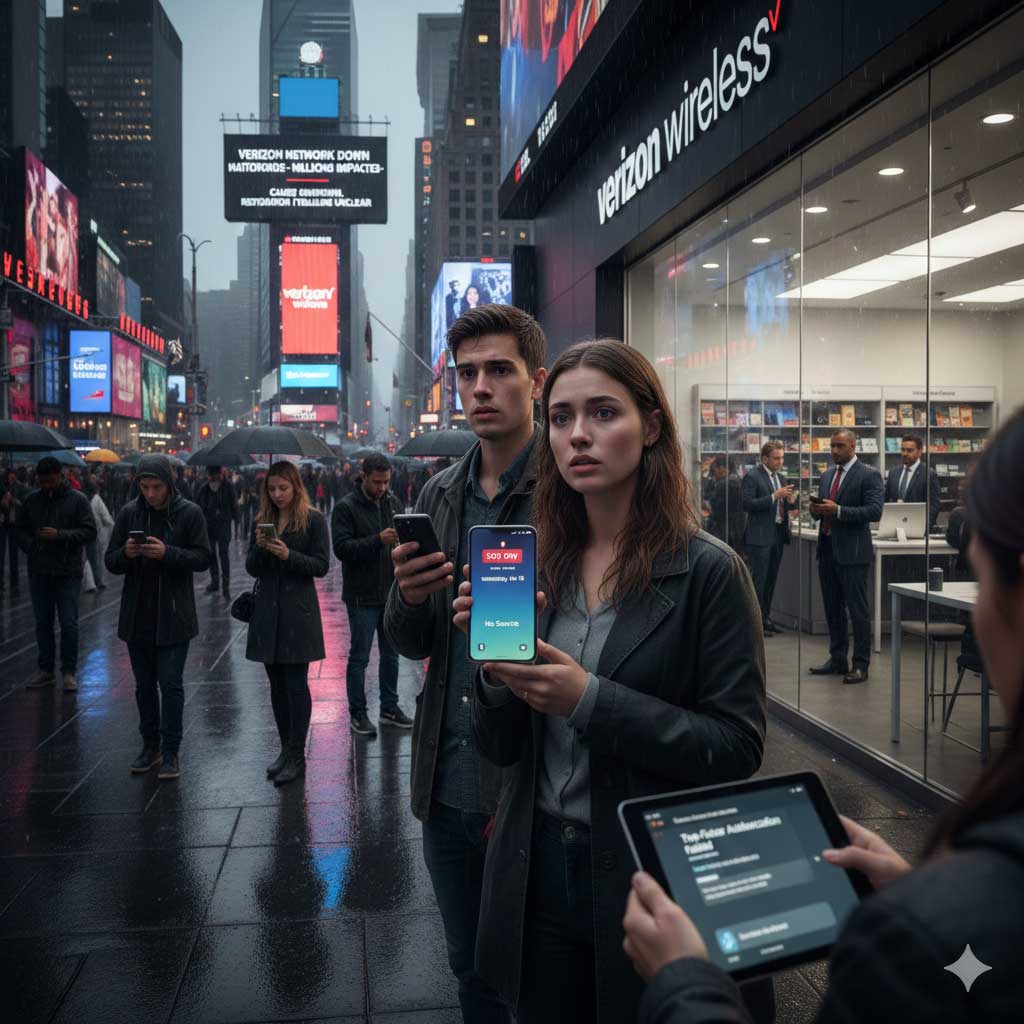
If you woke up today and saw the dreaded “SOS” icon in the top corner of your iPhone or a “No Service” notification on your Android, you aren’t alone. As of January 15, 2026, Verizon is grappling with one of its most significant nationwide service disruptions in years.
From the busy streets of NYC to the Triad region of North Carolina and out to the West Coast, hundreds of thousands of customers are currently disconnected. Here is the latest update on what is happening, why your phone is stuck in SOS mode, and when you can expect your bars to return.
The Current Situation: What We Know
Starting late Tuesday, January 14, and continuing into today, Verizon customers across the United States began reporting total losses in cellular connectivity.
- The Scope: Reports on Downdetector surged into the hundreds of thousands.
- Major Cities Impacted: Atlanta, Chicago, Houston, NYC, Tampa, Charlotte, and Los Angeles appear to be among the hardest hit.
- The “SOS” Mystery: For iPhone users, the “SOS” or “SOS Only” status means your phone cannot connect to your provider’s network but can still make emergency calls via other available carriers.
Verizon’s Official Response
As of Wednesday evening, Verizon released a statement acknowledging the issue:
“Verizon’s team is on the ground actively working to fix today’s service issue that is impacting some customers. Our top priority is to get you back online and connected as fast as possible.”
Despite this, the company has not yet disclosed the root cause of the outage or provided a definitive timeline for a full restoration of services.
Why Is My Phone on SOS?
When your phone displays “SOS,” it indicates a total loss of communication with Verizon’s towers. This can happen for several technical reasons:
- Network Core Failure: A glitch in the central “brain” of the network that authenticates your SIM card.
- Fiber Cut: Physical damage to the high-speed lines that connect towers to the internet.
- Software Update Error: A botched configuration update pushed to the network.
The Two-Factor Authentication (2FA) Nightmare
One of the biggest hurdles for users during this outage is the “digital lockout.” Since many modern apps and work logins require a text code (SMS) to verify your identity, users are finding themselves unable to log into work emails, bank accounts, or healthcare portals.
How to Stay Connected During the Outage
While you wait for Verizon to fix the towers, here are three steps you can take to stay reachable:
- Enable Wi-Fi Calling: If you have access to a stable Wi-Fi network (at home or a coffee shop), go to your phone settings and turn on “Wi-Fi Calling.” This allows you to make calls and send texts using the internet instead of the cellular network.
- Use Data-Based Messaging: Apps like WhatsApp, iMessage (over Wi-Fi), and Facebook Messenger will still work as long as you are connected to the internet.
- Check for Updates: Occasionally, a network-side fix requires you to “nudge” your phone. Try toggling Airplane Mode on and off, or restart your device every few hours.
When Will Service Be Restored?
Historically, nationwide outages of this scale are usually resolved within 12 to 24 hours. However, because Verizon has not specified the cause, it is difficult to predict. We recommend keeping an eye on the official Verizon Support Twitter (X) account for real-time updates.